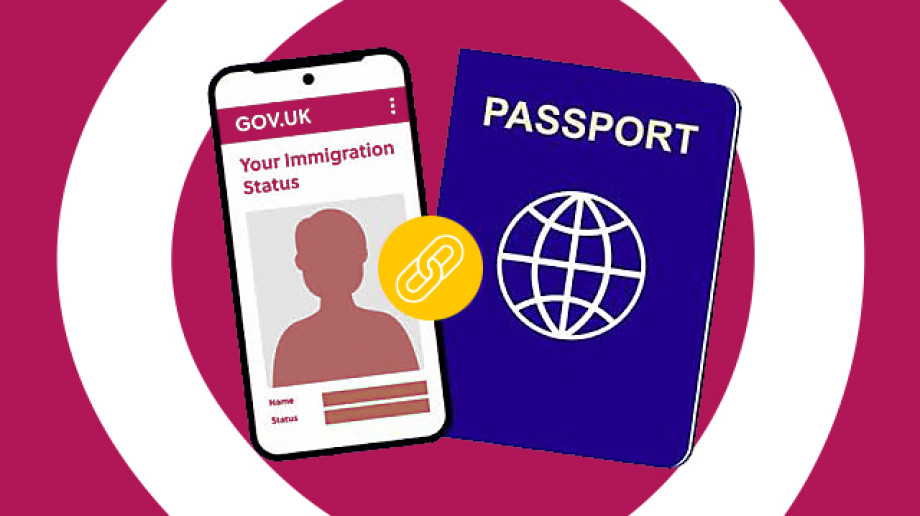
What is an eVisa?
An eVisa is an online record of your immigration status and the conditions for you to enter or stay in the UK. It is not a physical document.
To continue to prove your right to work, rent, bank, access the NHS and more, you will need to obtain an eVisa.
Anyone who has an immigration status in the UK, such as a visa (worker, student, spouse or family member), asylum / refugee status, or humanitarian protection, must have their own UKVI account, including children. People who care for a child under the age of 18 will need to create a UKVI account on the child’s behalf.
How do I get an eVisa?
To apply for your eVisa, you will need to create a UKVI (UK Visas and Immigration) account.
If you have a biometric residence permit (BRP), the Home Office may have contacted you with instructions on how to create a UKVI account to access your eVisa. If you don’t have a BRP, you can still apply for an eVisa.
Before you create your UKVI account, you will need:
- Your BRP number or application number
- A smartphone, laptop or any device with internet access
- Your identity document (your BRP or your passport)
- Your date of birth
- Your email address
- A phone number
- Access to the official ‘UK Immigration: ID Check” app
To access your eVisa you will need to:
- Create a UKVI account. If you received a letter or email telling you to create a UKVI account, follow the instructions, or visit www.gov.uk/evisa. Fill in your details and create an account. You will get email confirmation once you have done this.
- Confirm your identity using the official ‘UK Immigration: ID Check” app. (Apple Store / Google Play Store)
- Link your account to your eVisa. To do this, you will need to complete all sections on your task list in your UKVI account.
You must check your eVisa is linked to your current travel document before you travel. You can do this by using the ‘Update your UK Visas and Immigration account details’ service on GOV.UK
Support with eVisas
If you are in the UK, you can get help with your eVisa application from We Are Group if you:
- do not feel confident using a computer or mobile device
- do not have internet access
- do not have access to a device like a laptop or smart phone
Contact the We Are Group:
- www.wearegroup.com/assisted-digital
- 03333 445 675
- [email protected]
- Text "Visa" to 07537416944
For local support with digital skills, contact Torus Foundation.